Consistent, timely responses build stronger relationships and ensure no customer slips through the cracks. When multiple team members handle WhatsApp inquiries, shared context and unified messaging prevent confusion and deliver a seamless experience that boosts satisfaction and retention.
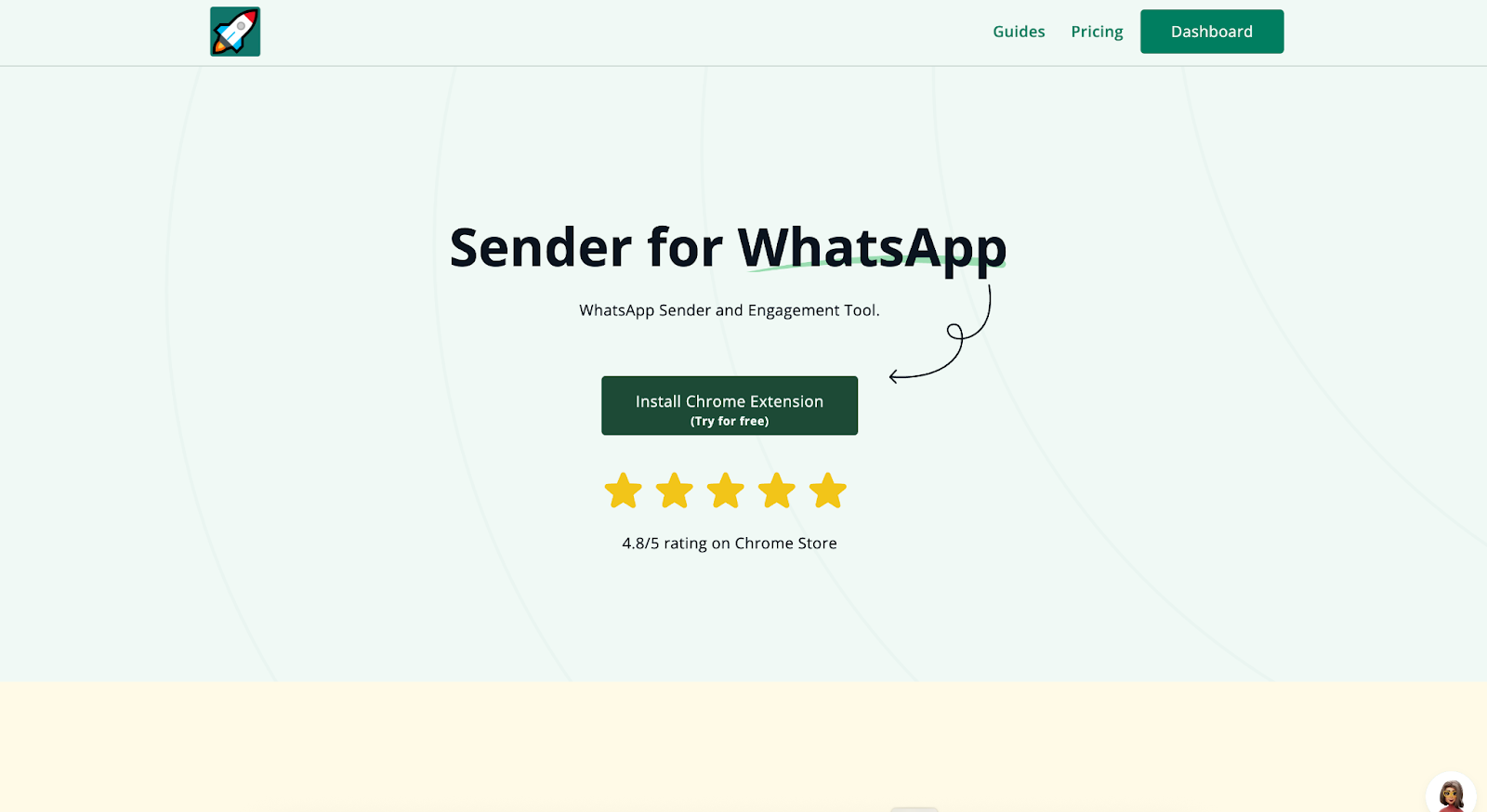
Install rocketsend.io
Open Chrome and visit
rocketsend.io. Click
Install Chrome Extension
→
Add to Chrome →
Confirm. Pin
the rocketsend.io icon next to your address bar.
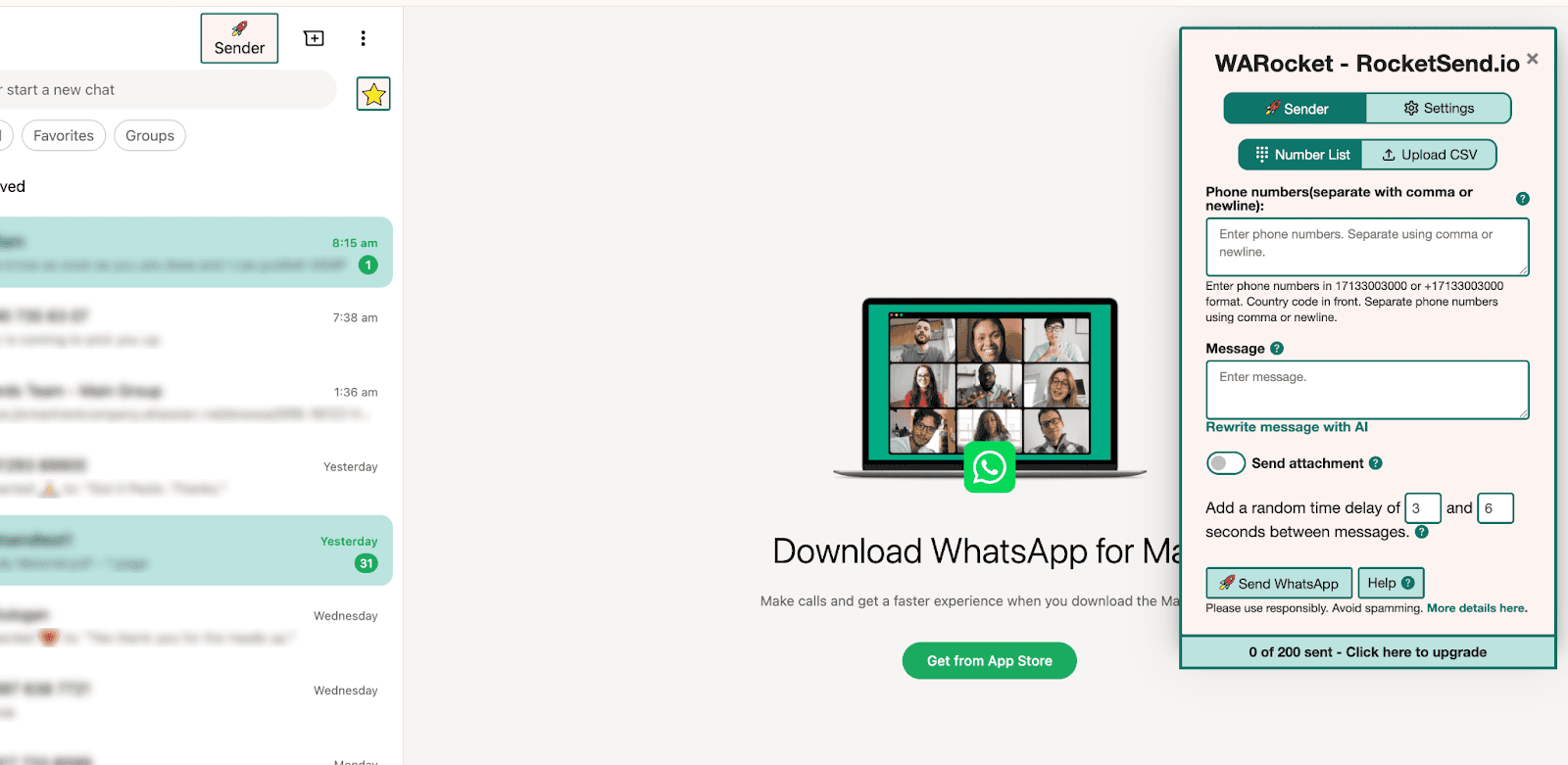
Open WhatsApp Web and click Sender in the top-left to open the rocketsend.io pane.
Use Internal Notes & Flags
Leverage
WhatsApp’s built-in
Labels to
categorize chats (e.g., “Support,” “Sales,” “VIP”)
Use
rocketsend.io’s
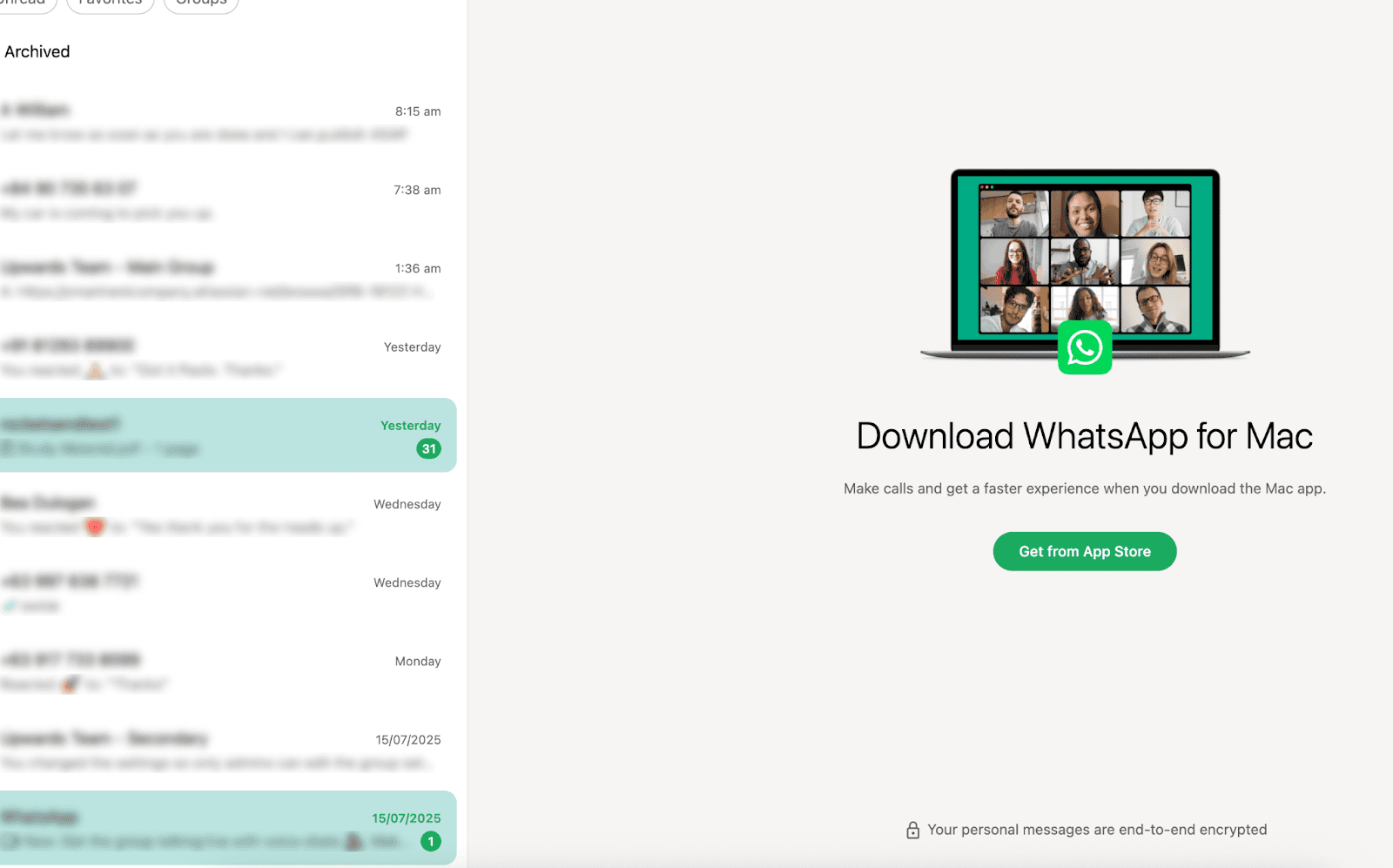
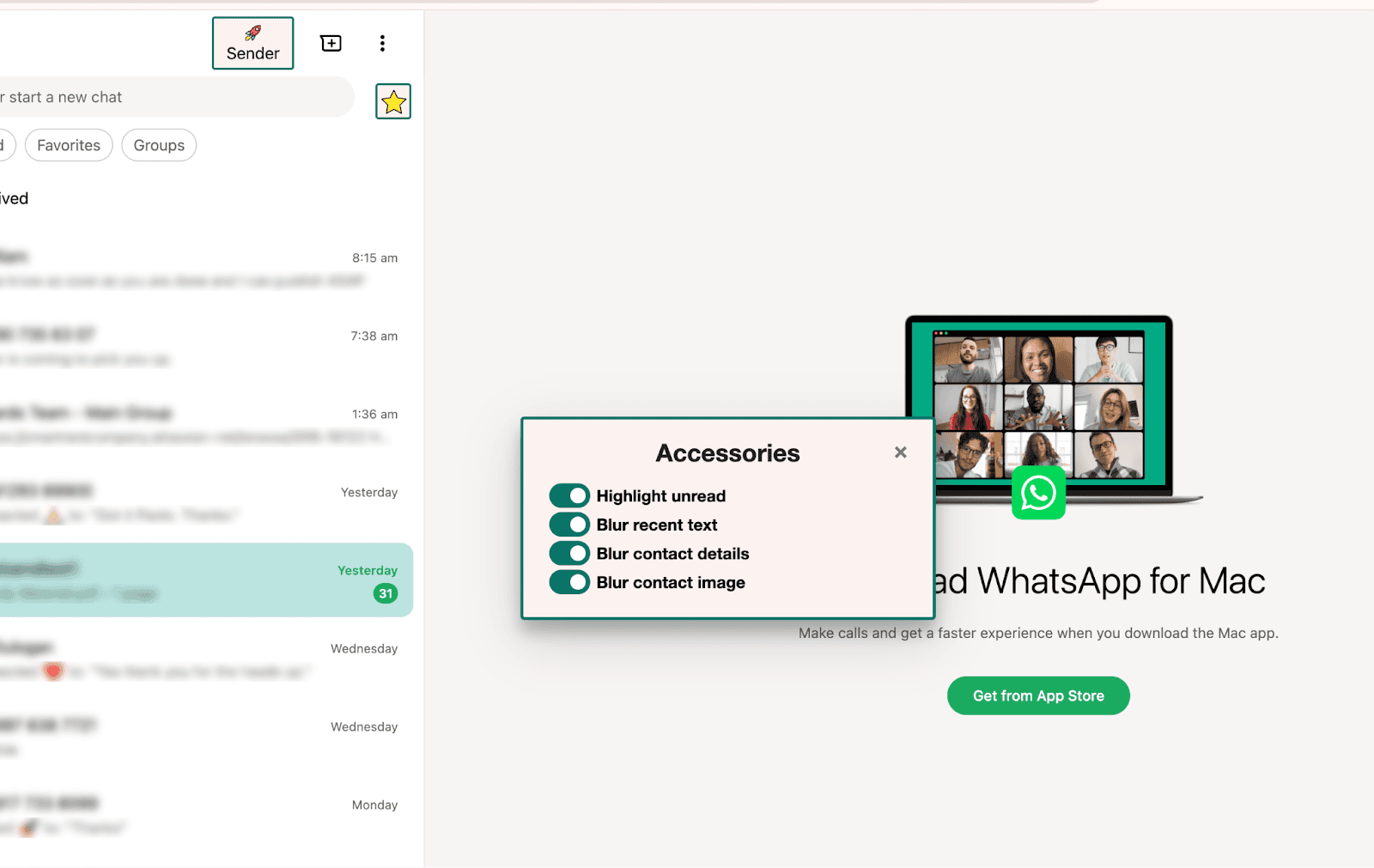
Highlight Unread
to flag new messages for the whole team.
Add internal notes by typing “/note [text]” to remind
teammates of key details (e.g., payment status) without sending to
the customer
Coordinate Responses
-
Assign chat ownership by tagging team members in notes: “@jane,
can you follow up on this?”
-
Set response SLAs (e.g., reply within 2 hours) and track
compliance using a shared Google Sheet’s timestamp log
- Use standardized greeting and sign-off templates so every team member maintains the brand voice
Best Practices & Tips
-
Hold weekly syncs to review unresolved chats and share
learnings
-
Rotate listening shifts so someone always monitors high-priority
chats
-
Use color-coded labels to visually distinguish chat types in the
WhatsApp Web sidebar
- For privacy, blur sensitive customer info before sharing screenshots in team channels
Conclusion
With rocketsend.io and coordinated team workflows, you’ll turn individual chats into a unified customer experience. By sharing access, flags, and internal notes, your team ensures every message is handled promptly and consistently. Install rocketsend.io today to streamline collaboration and keep customer conversations on track.